
Before diving into the improvements, let's revisit the original mockups and the major UX issues we discovered during the research.
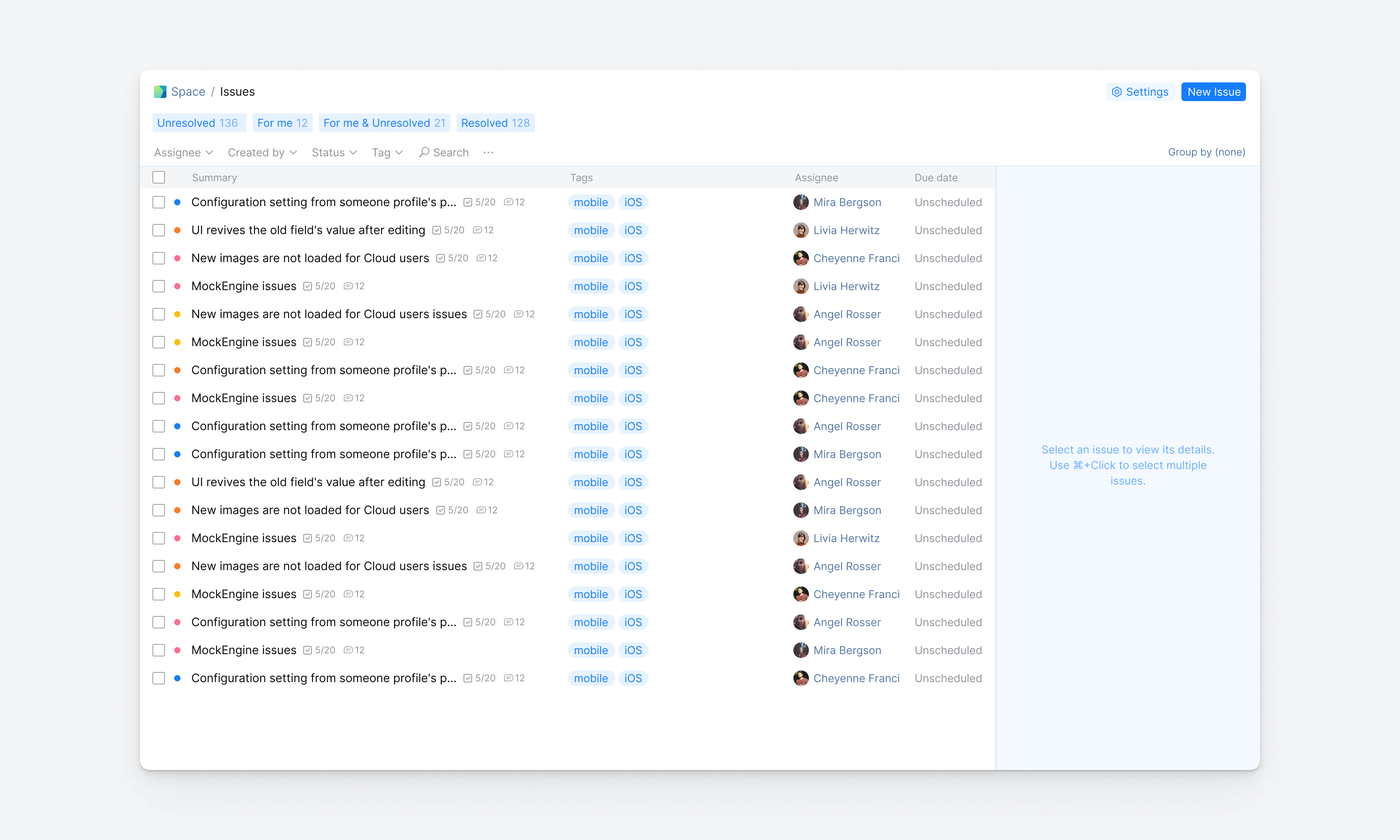
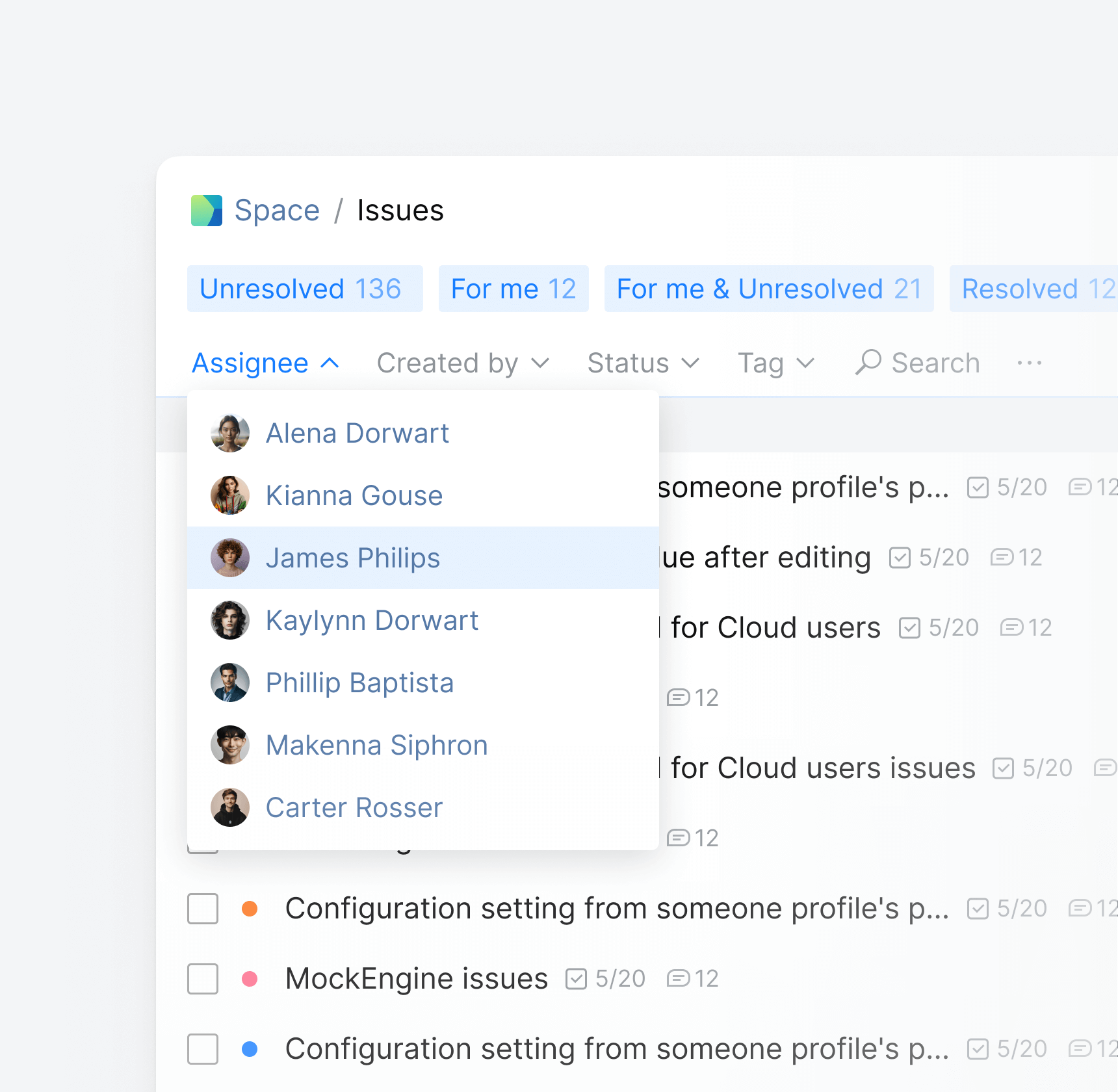
Limited filtration
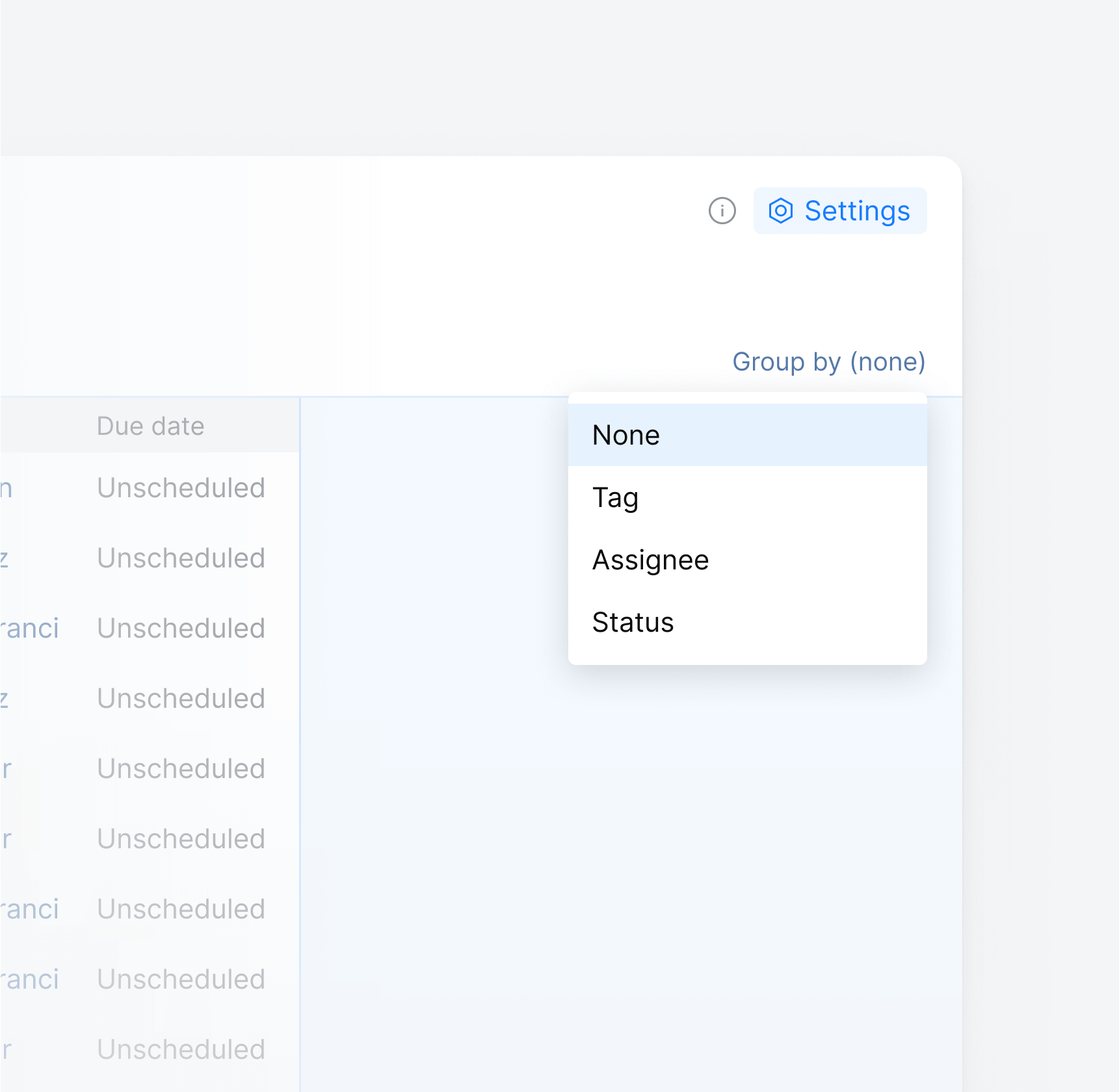
Poor customization

Lack of reporting features
Having examined the limitations of the original issue list, let's shift our focus to the new and improved design
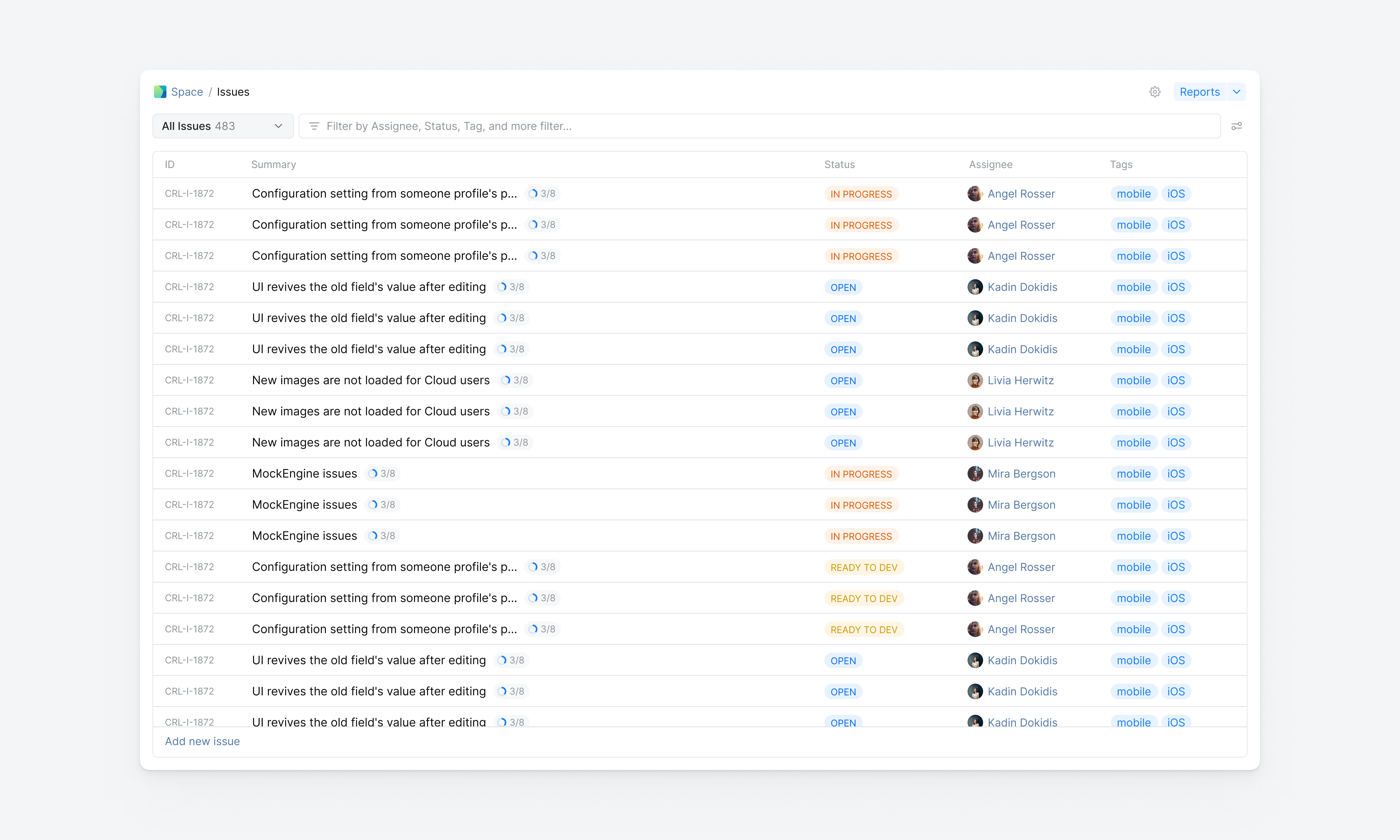
A new, intuitive Search Box replacing the traditional filtering, offering a significantly scalable system
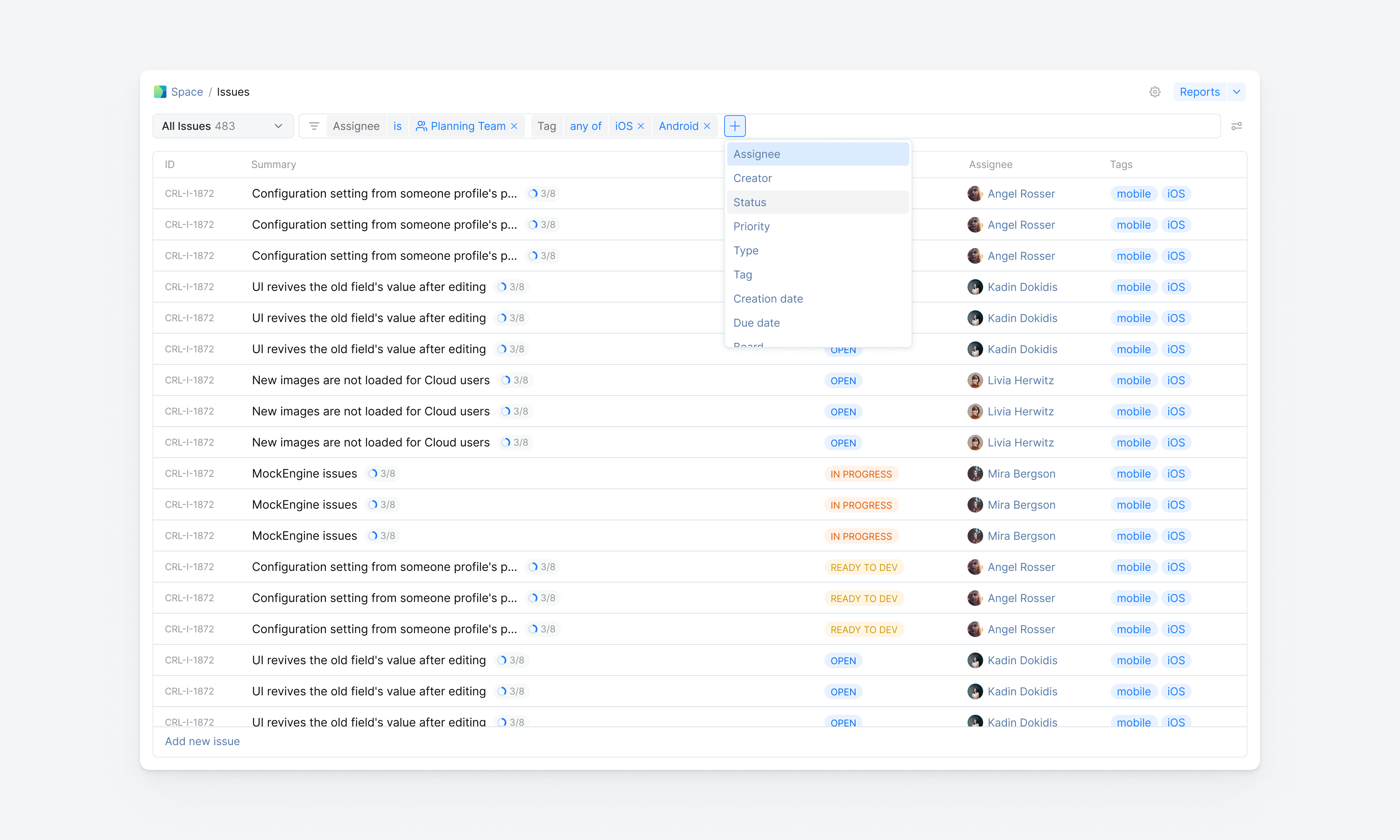
Tired of filtering the issue list every time you open it? Don't worry, Custom Saved Queries let you save your filters for easy daily use
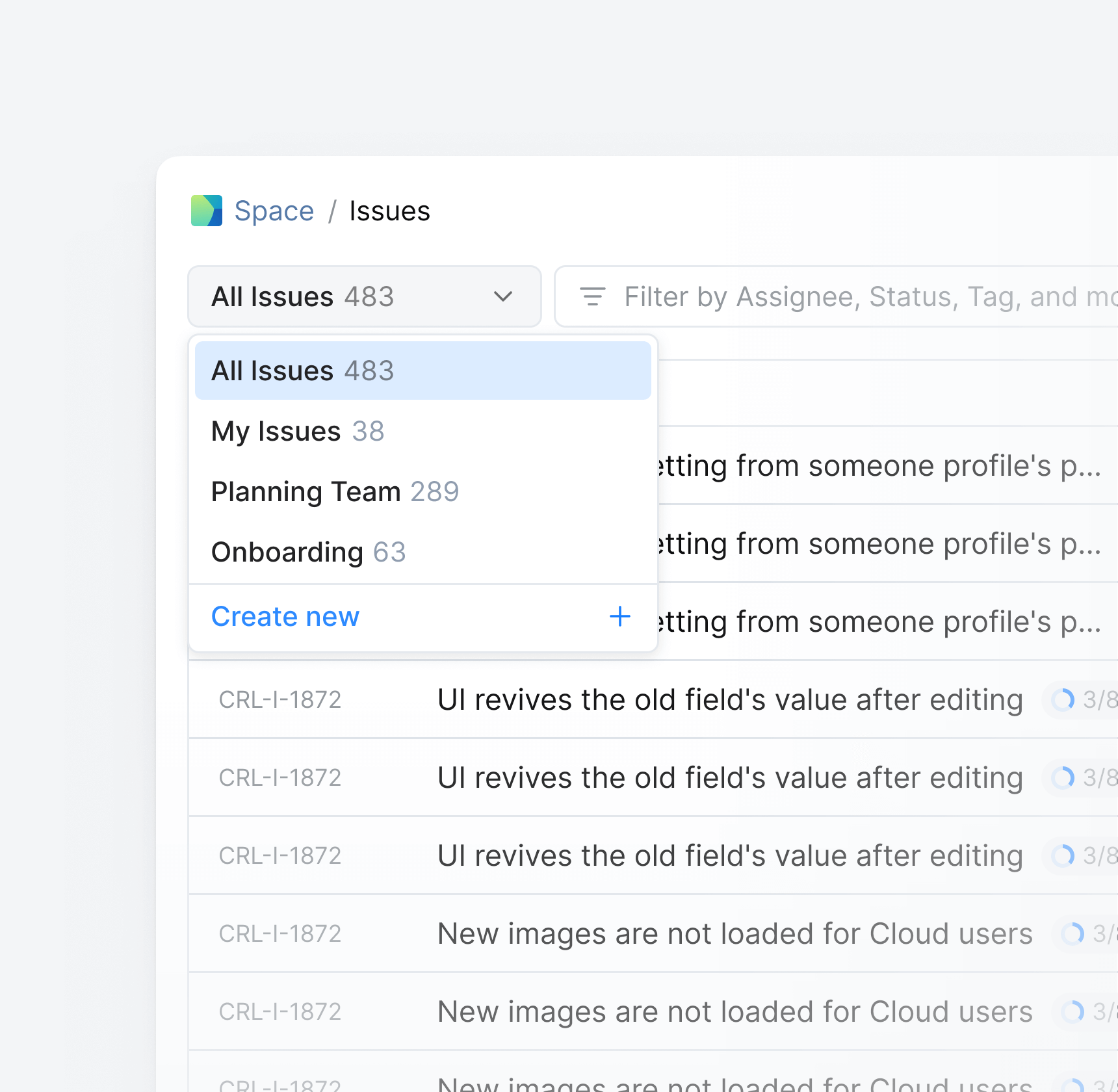
Create
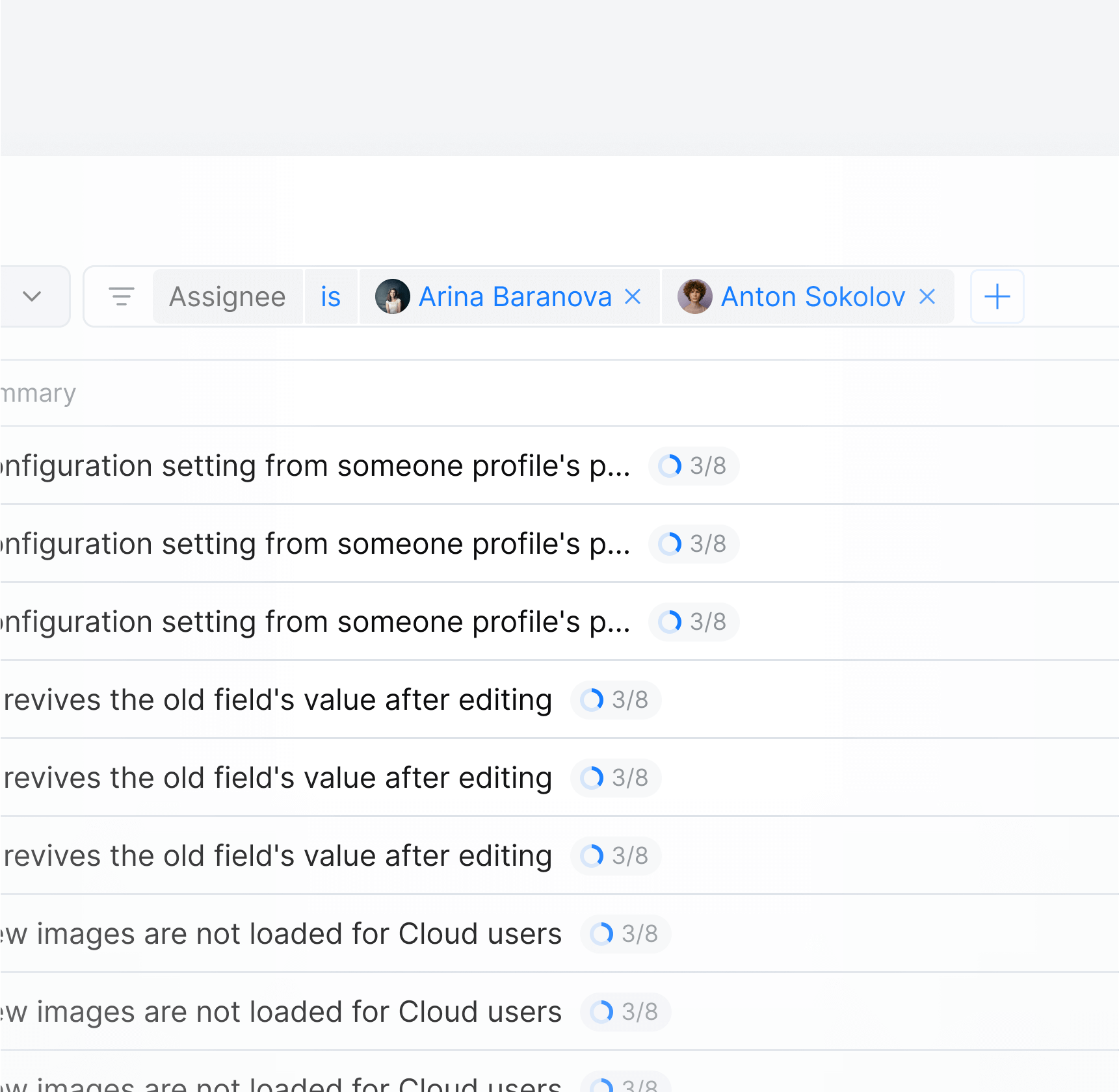
Filter
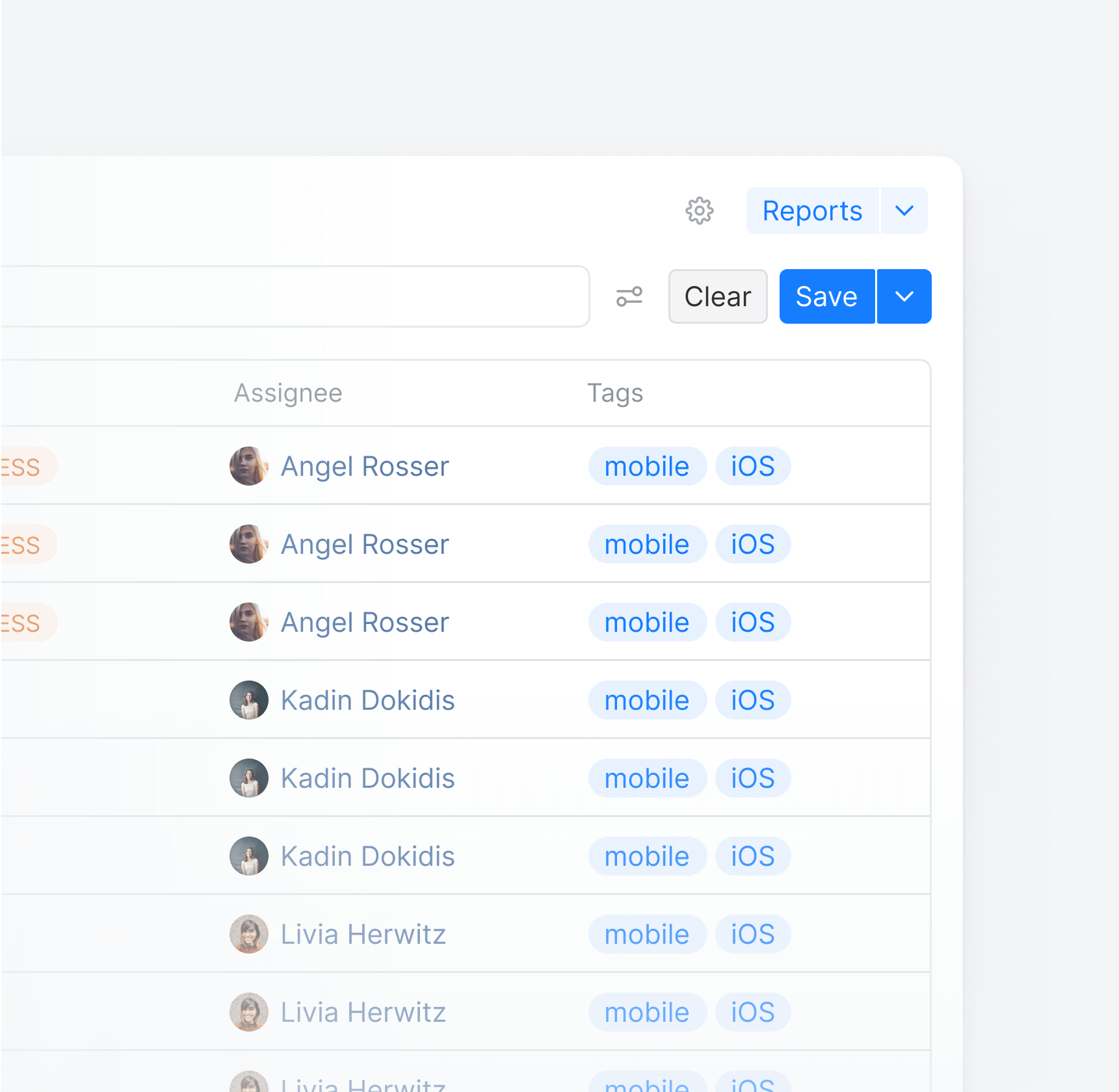
Save
While the search box helps narrow down results, users should also be able to customize the displayed data to efficiently scan the issue list
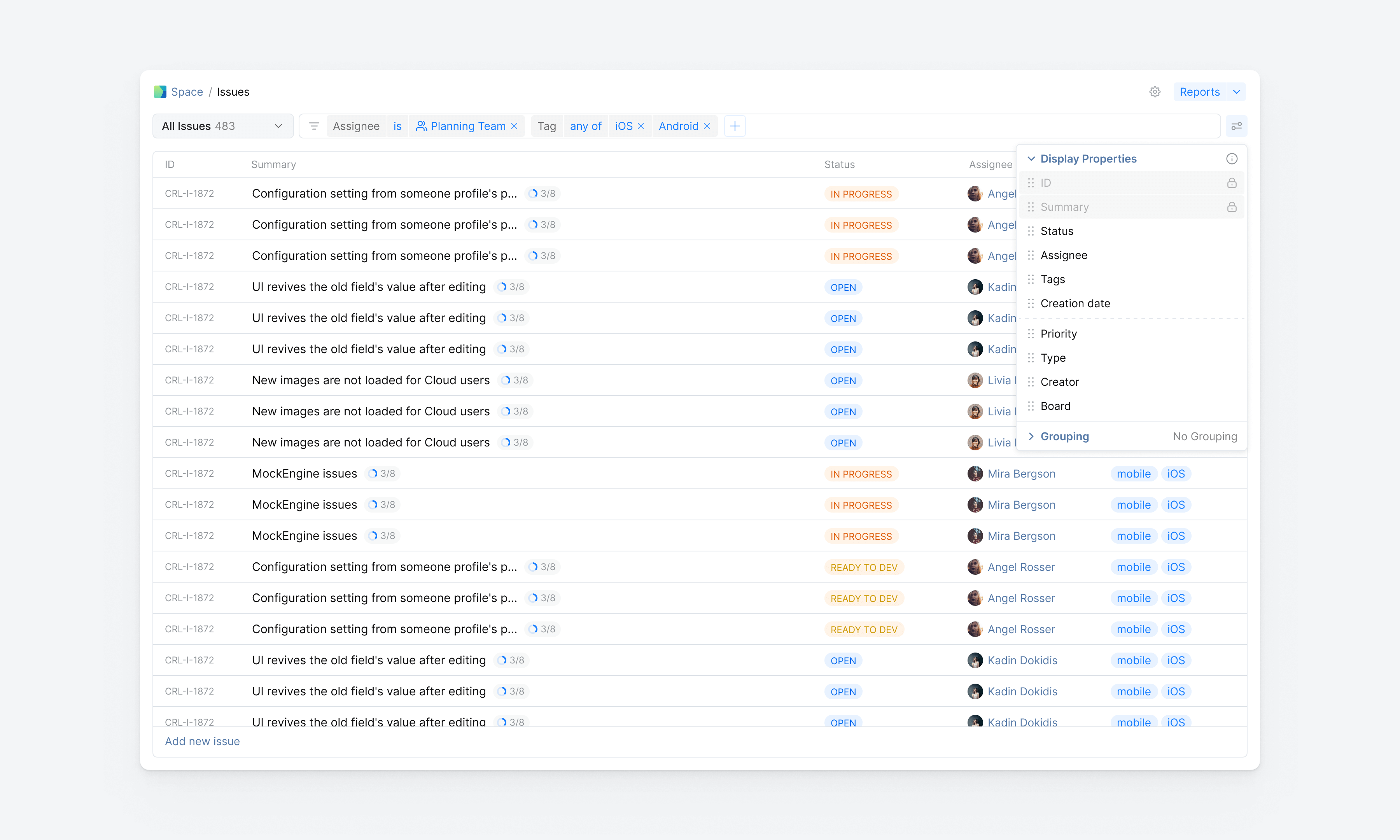
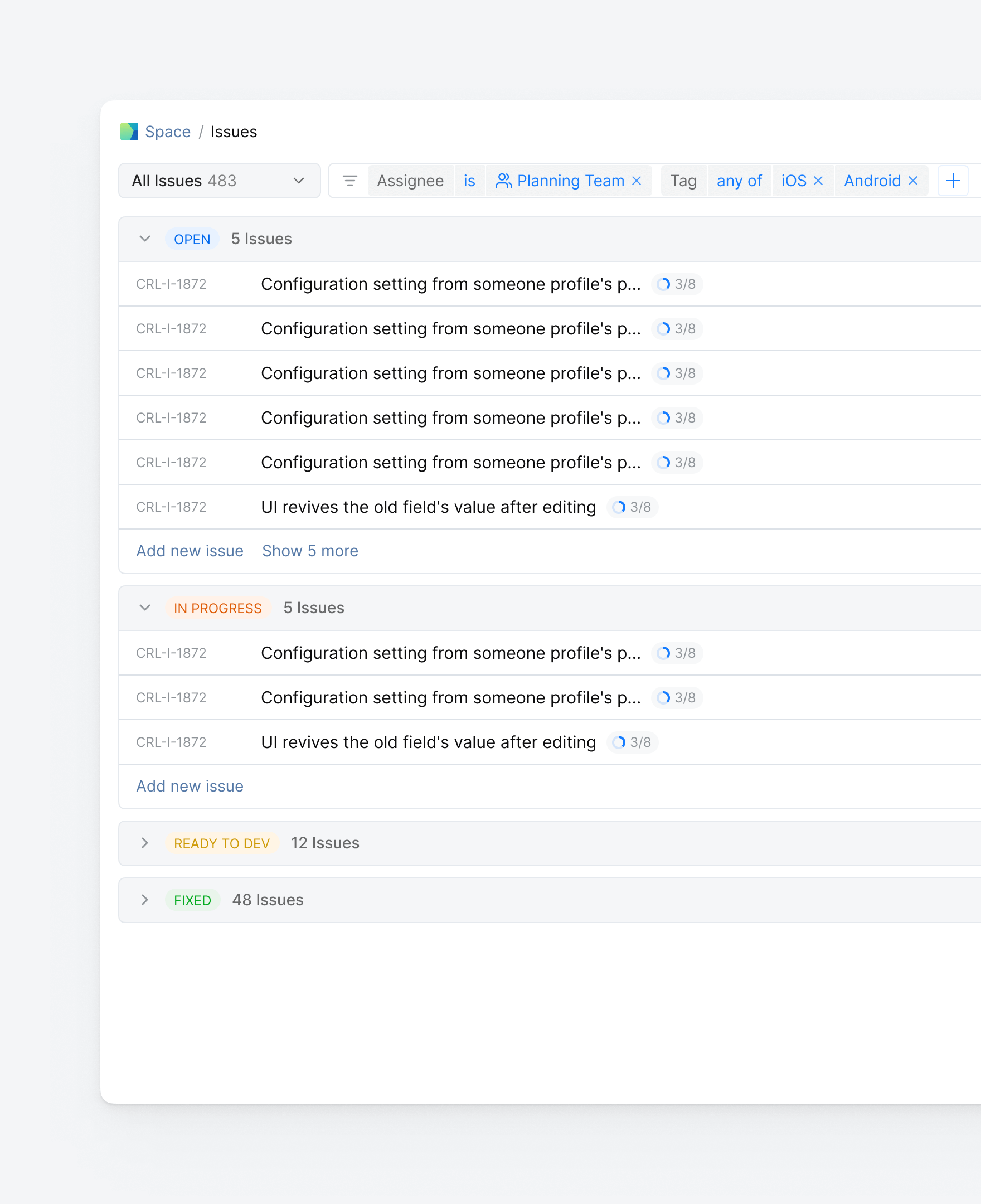
... with a simple grouping that is possible for all of the fields
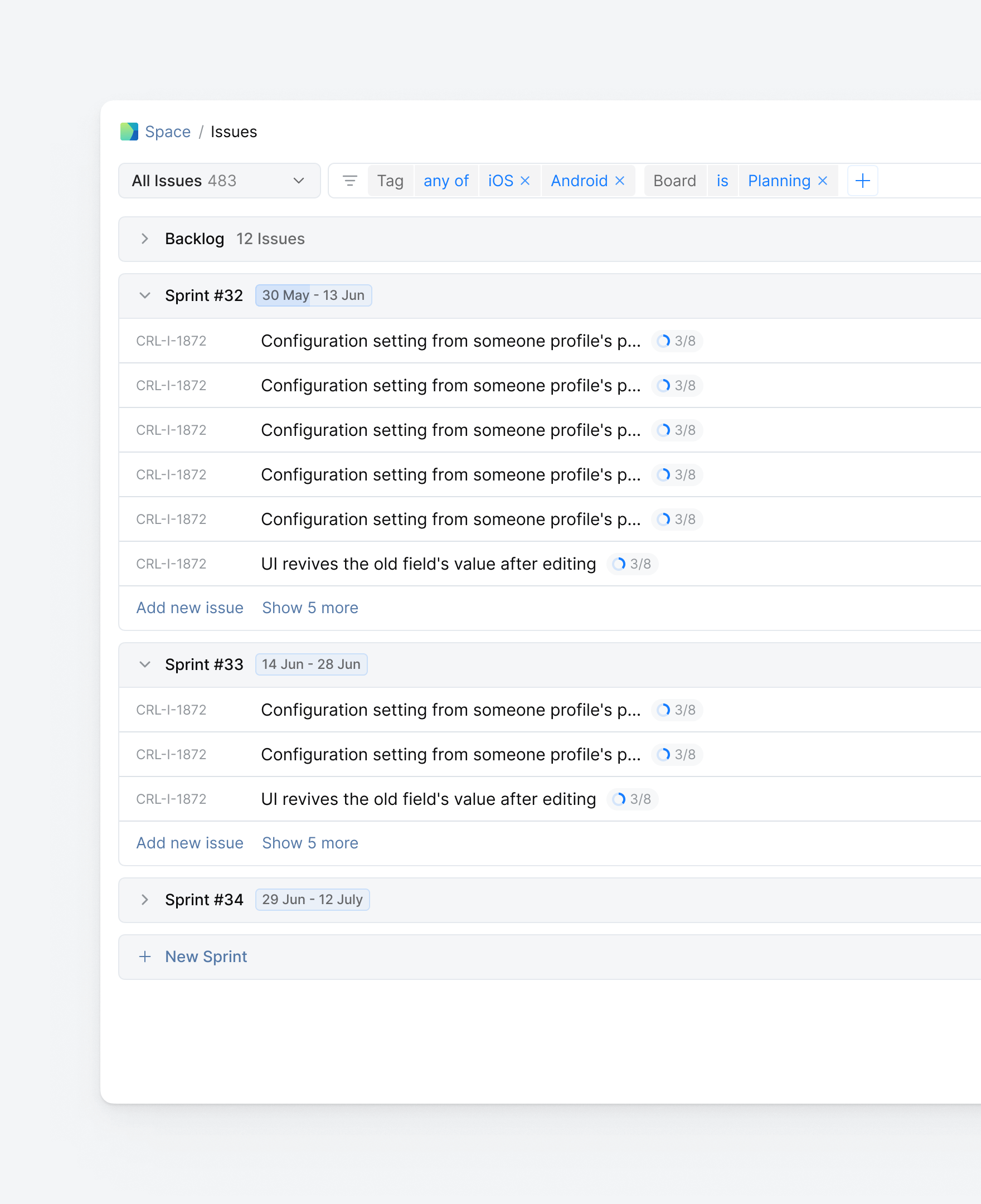
... or more complex groupings like those based on sprint
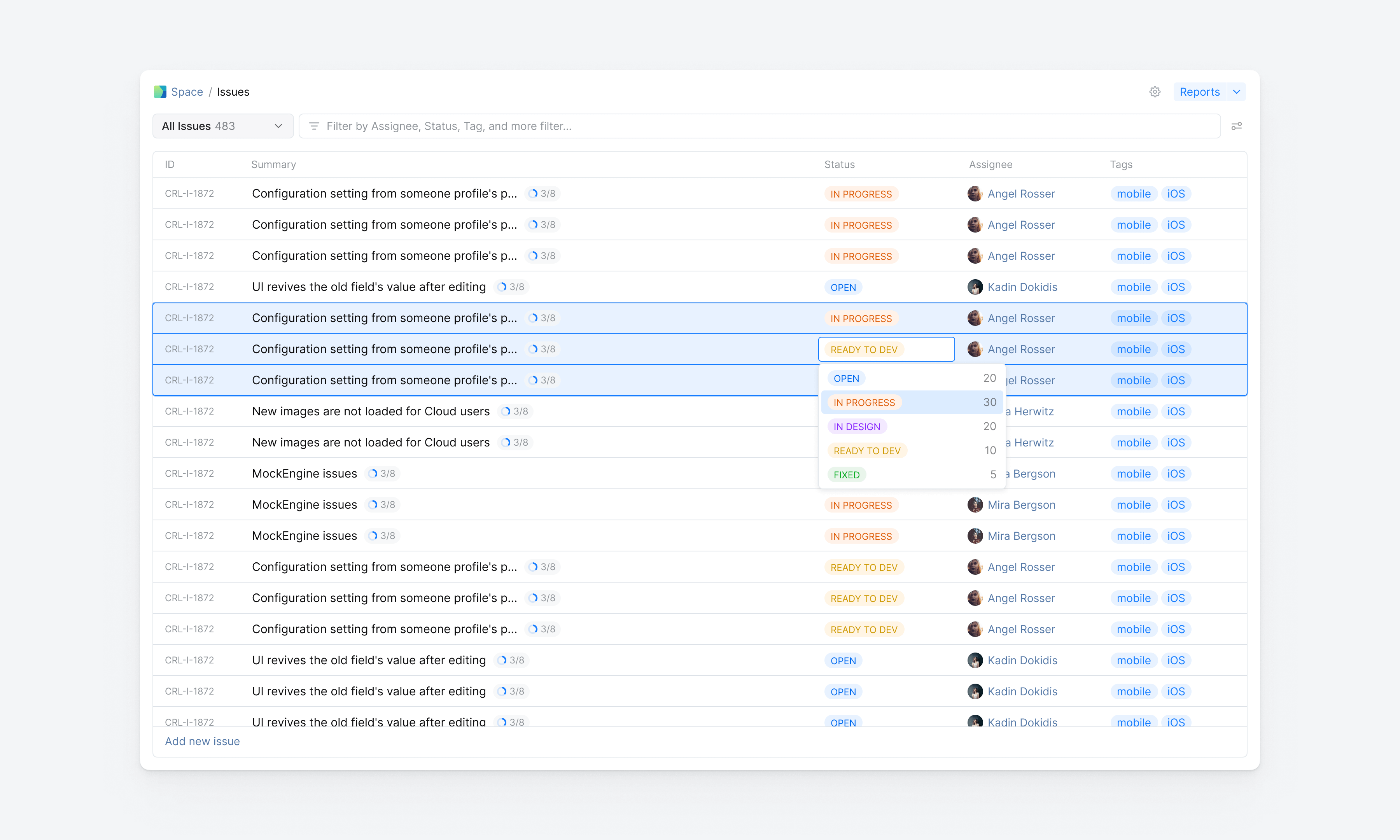
Tired of clicking through issues one by one? Batch update is your new friend. Select multiple issues with a familiar UX pattern, and transform them instantly in one action
Sometimes, looking at an issue and have no clue what it's about, preview mode lets you see the details with just one click and lightning-fast loading
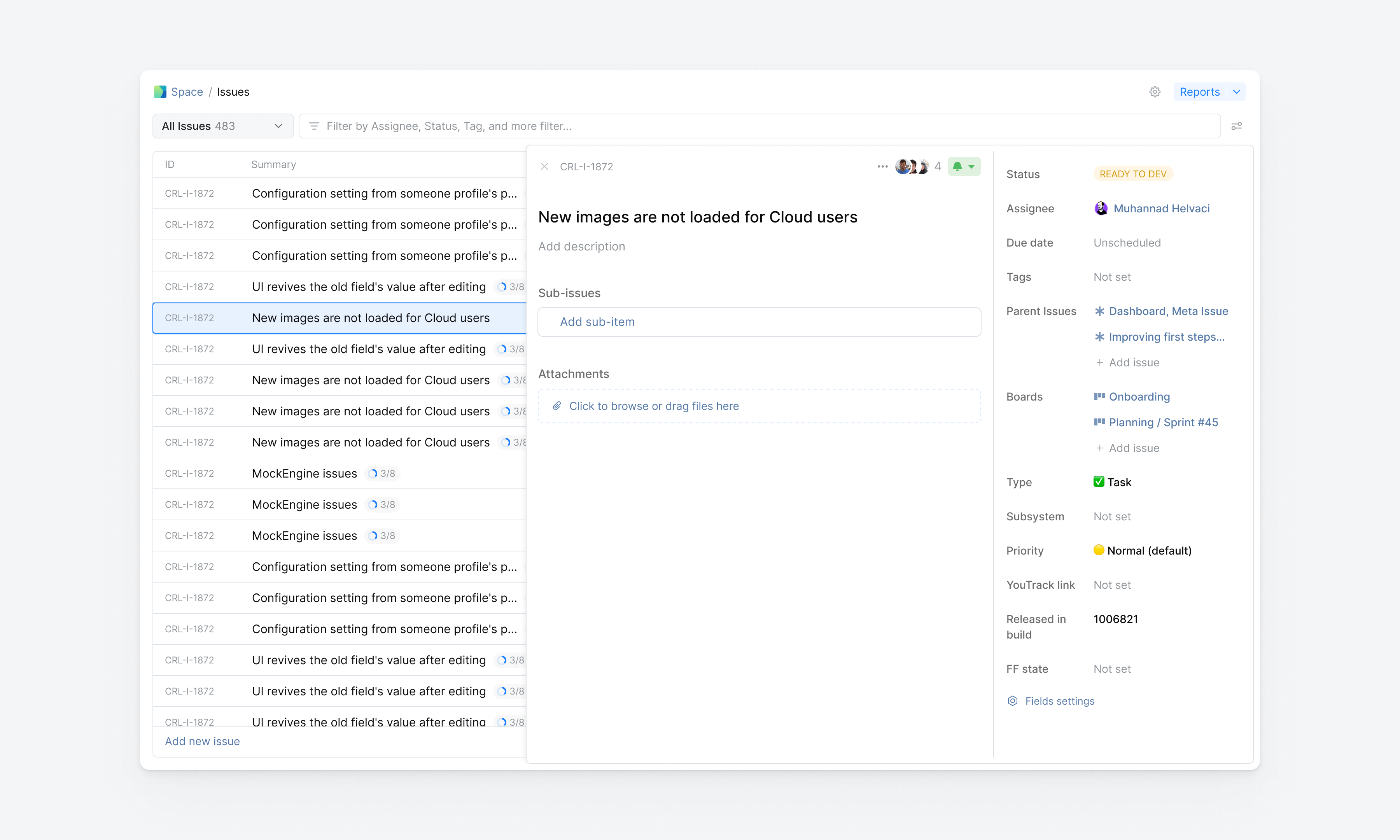
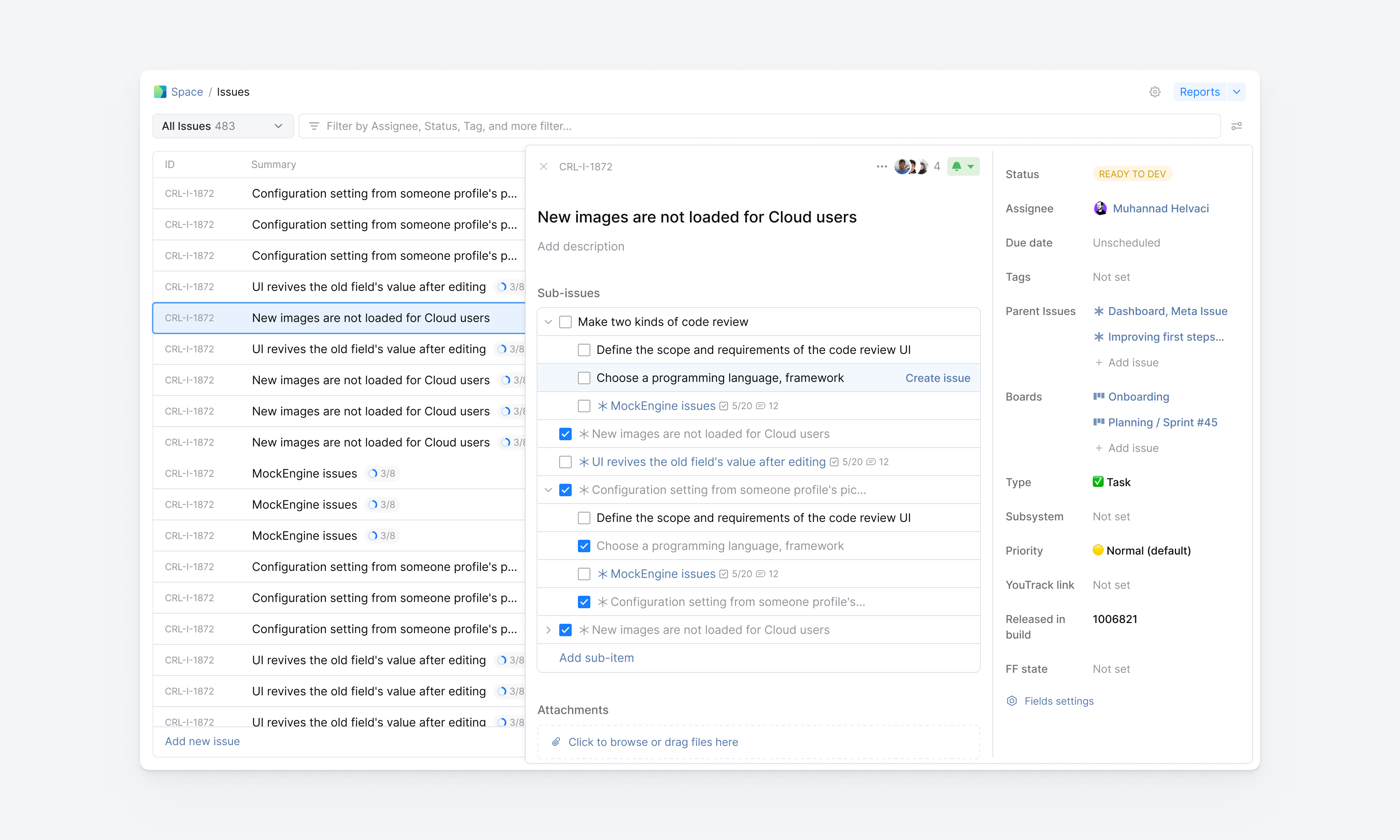
Got some ideas while viewing the issue details? Add them as a checklist, they're not a burden! and turn them into sub-issues when you're ready
Visualize and analyze the connections between different variables with the Matrix Report — Curious about those numbers? Discover within a click, without disjointed experience
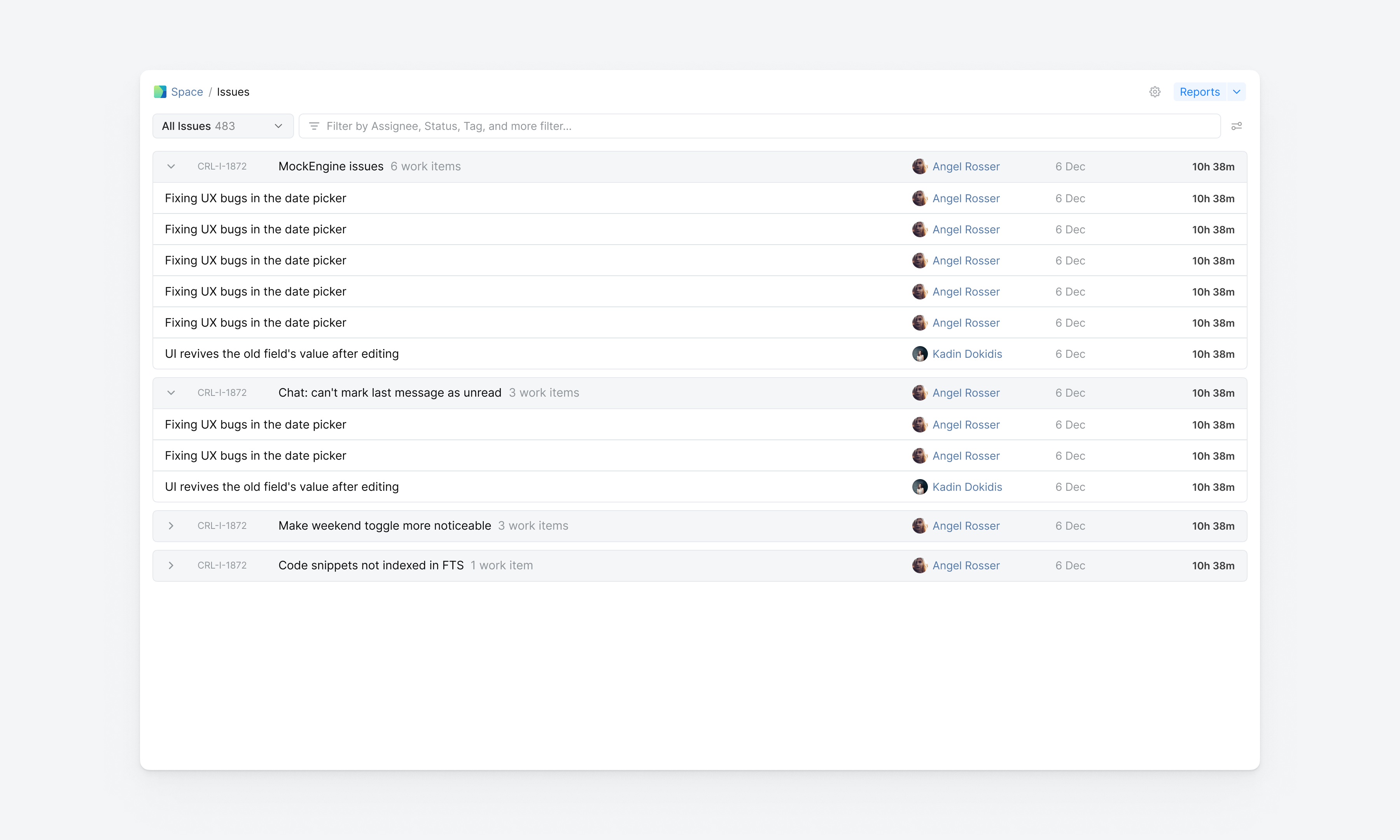
In organizations where productivity and resource management are key, the Time Tracking report is particularly valuable
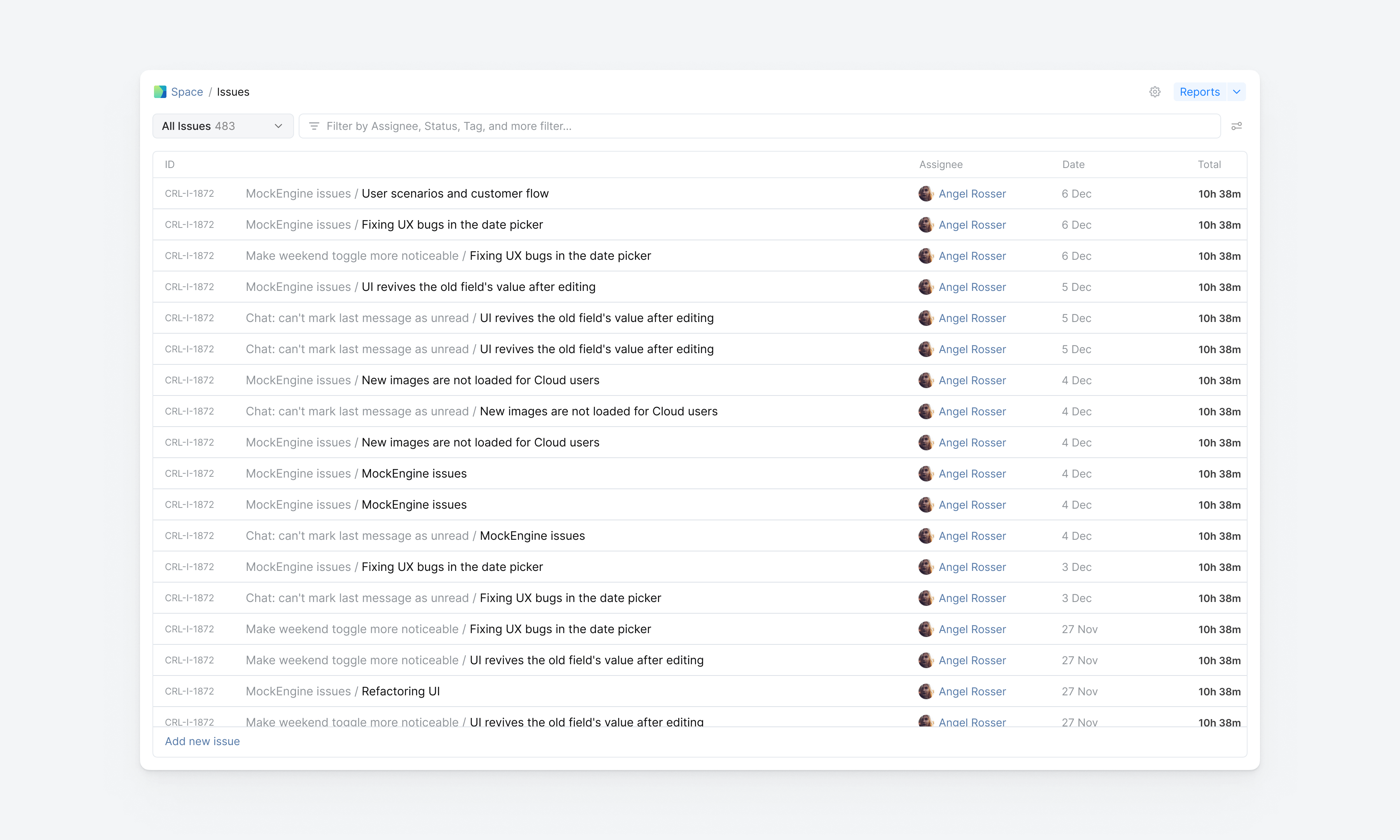
When things start to feel overwhelming, grouping the recorded items can be very helpful!
Our Issue List UX improvements has delivered exceptional results, transforming it into an essential tool that teams actually love to use. Here are a couple of metrics that demonstrate the remarkable impact of this redesign

Significant user adoption by raising the ranking from #4 to #2 among the most-used features in 18 months
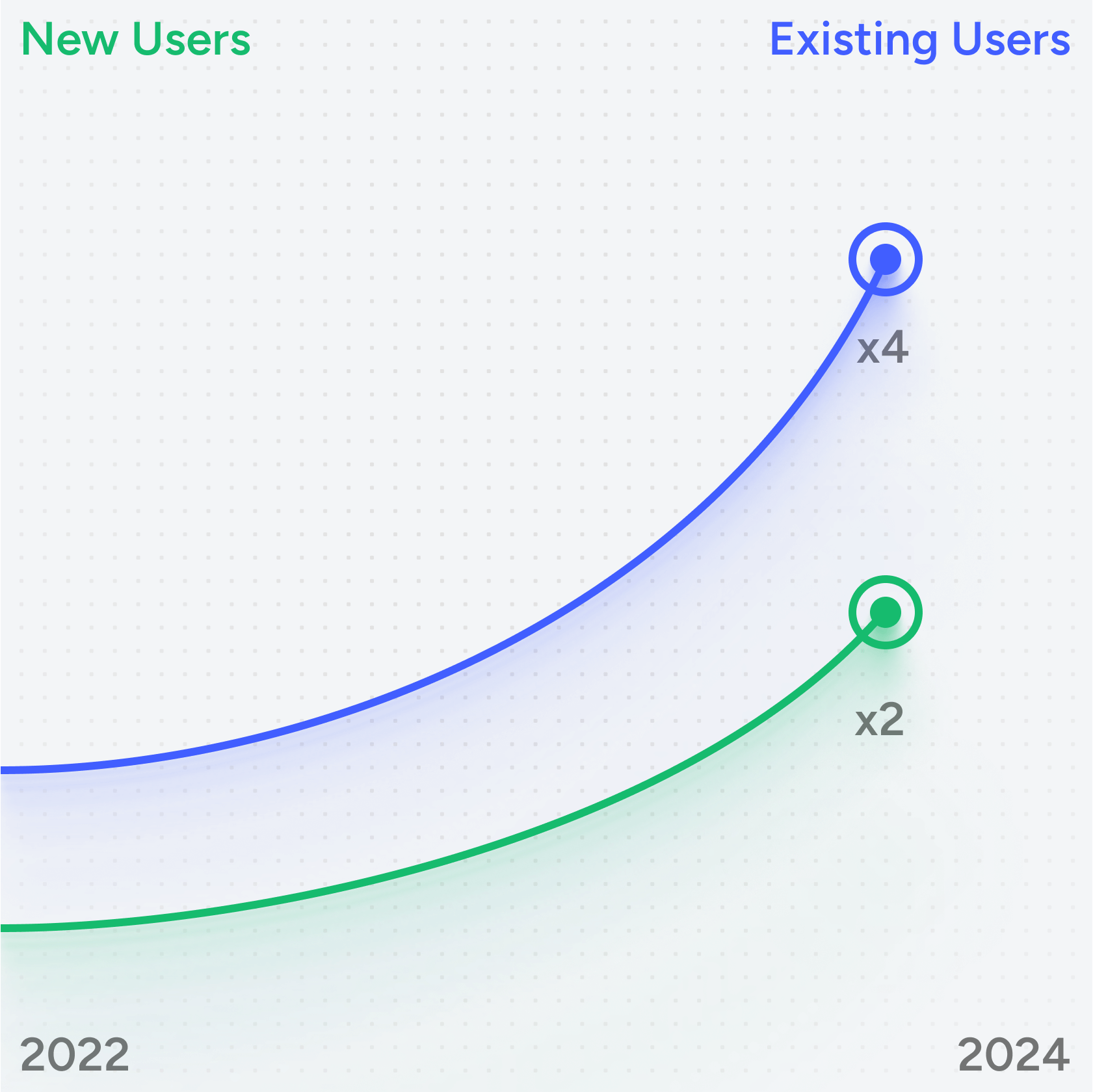
Doubled new user retention while quadrupling existing user retention rates

68% of paid organisation's use the planning as their primary planning tool